

Changing your Password (office.com)

Aug 20, 2026
225

If you know your current password and simply need to change it, you can do so with the steps below.
- Go to office.com and choose the "Sign In" button.
- If you are asked to pick an account, select "Use another account".
- Enter your full email address and your current password when prompted.
- If you have never signed on office.com before, you will be prompted to setup your password recovery options (see above).
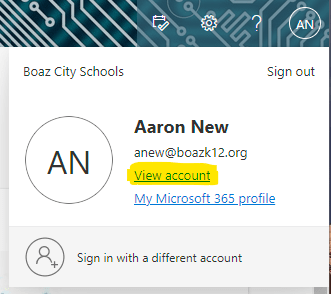
- Once you are signed in, the easiest way to change the password is to click your initials in the bottom left corner and choose "View account".
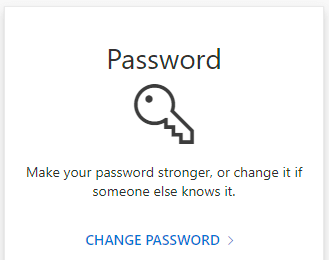
- Choose the "Change Password" option.
- Enter the old password, and you new password twice. Your new password must be at least 8 characters, have a combination (3 out of 4) of uppercase, lowercase, numbers, and symbols. It also can't have any part of your name, "boaz", "pirate", etc.

